The Mac companion for writing, organizing your projects, and giving your AI agents the right context.
 Download BaliseVersion 1.0.2
Balise requires macOS 26.4 or later, a Mac that supports Apple Intelligence, and Apple Intelligence turned on.

From your first notes to the next task
Write Markdown visually
Capture an idea, develop a plan, add headings, lists or tables. Your document takes shape as you write. Switch to the source whenever you need to work directly with the Markdown.
Organize your project’s documents
Open your folder and find your way through the documents with summaries generated on your Mac using Apple Intelligence. Arrange your Markdown files in a Kanban view to keep track of priorities and decide what comes next.
Choose your agent’s context
Select the documents relevant to the next task. Copy context gathers their available summaries and local file links. Paste the result into your coding agent: you choose what to bring to its attention.
Make room for the other files in your project
Edit your CSV files directly
Edit your CSV files directly in Balise, in the grid or in the source. Save your changes to the file without having to re-export it from Excel after every edit.
Shape your Mermaid diagrams
Connect the steps in a flowchart with your mouse by dragging a connector from one step to another. Drop an element onto a connection to insert it, then switch to your diagram’s Mermaid source.
Read Markdown in the Finder
Looking for a note or reviewing a plan? Select the file in the Finder and press the space bar. Quick Look shows the formatted document before you even open it in Balise.
Prepare your next conversation
Demo coming soon
Tools to keep your documents moving

Add code, formulas and images
Build an explanation with highlighted code blocks, equations or Mermaid diagrams. Local images can travel with the document in its resource folder.
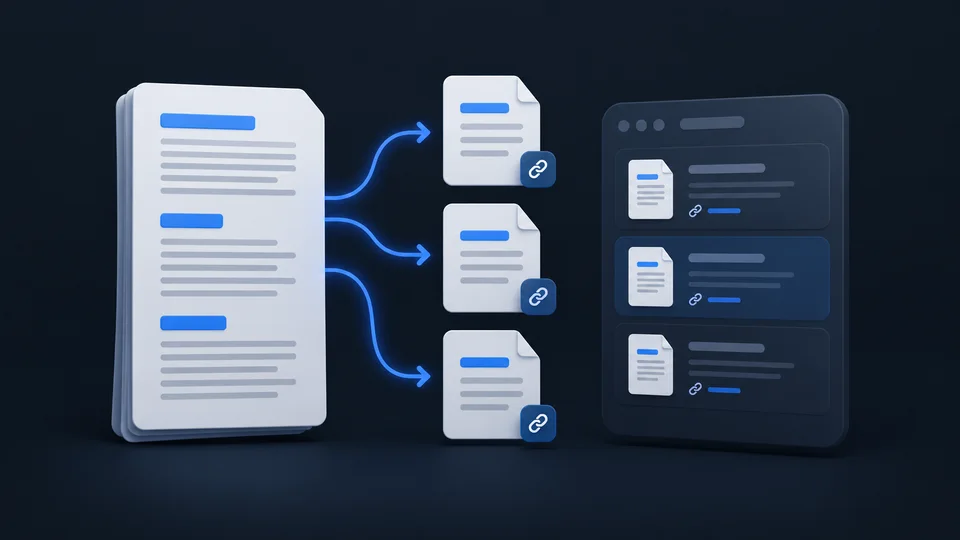
Reorganize your writing
Split a long document by its headings or rename a file along with its links. A preview lets you review the changes before applying them.
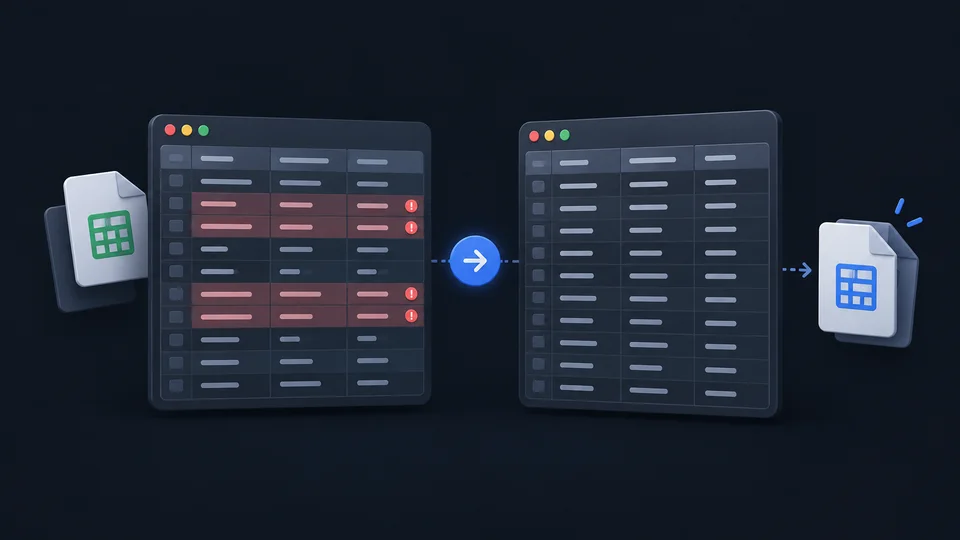
Clean up your CSV files
Inspect columns, trim unwanted spaces or spot duplicates. Repairs and conversions include a preview and produce a copy.
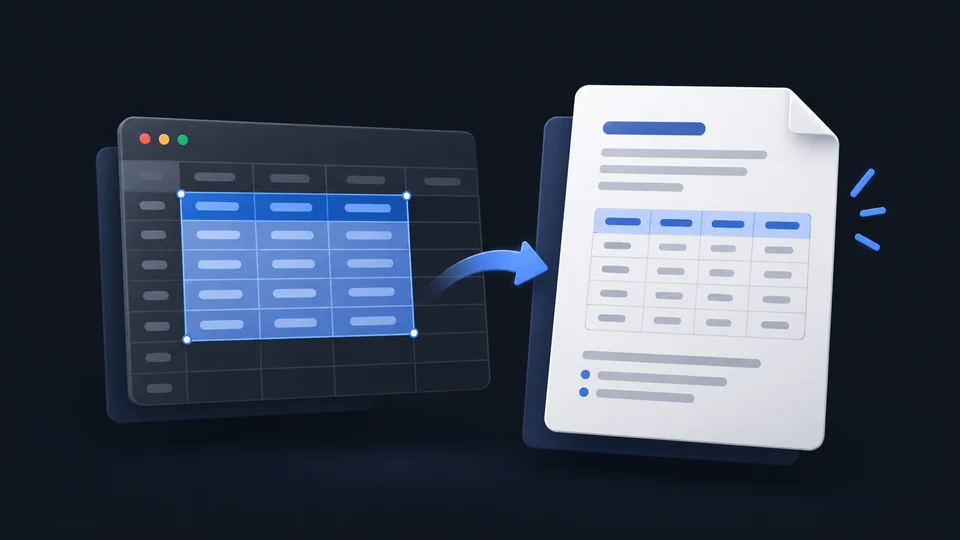
Bring data into your document
Copy a range of cells as a Markdown table. Check the columns and headers in the preview before adding it to your notes.
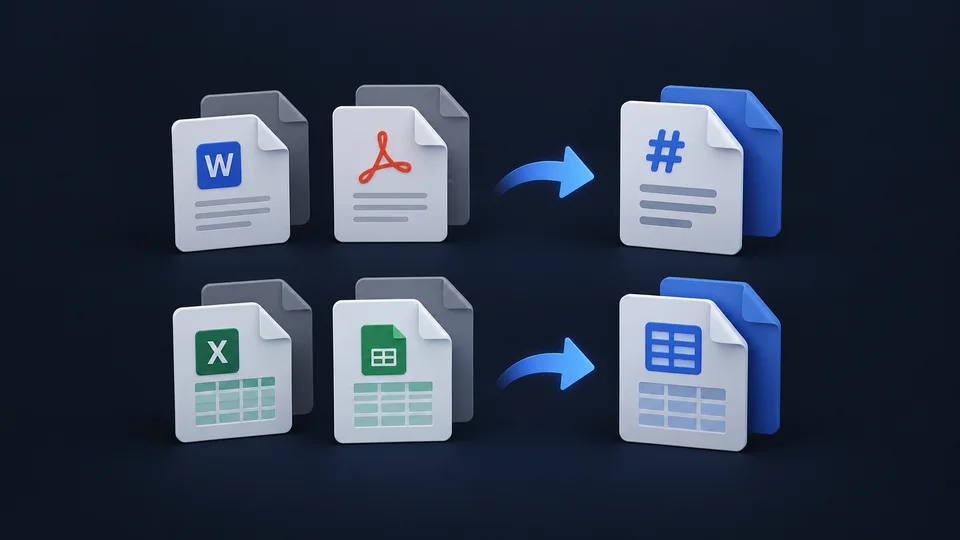
Import into new documents
Turn a DOCX or PDF into a Markdown draft, or XLSX and ODS data into CSV. The original file stays in place and keeps its format.
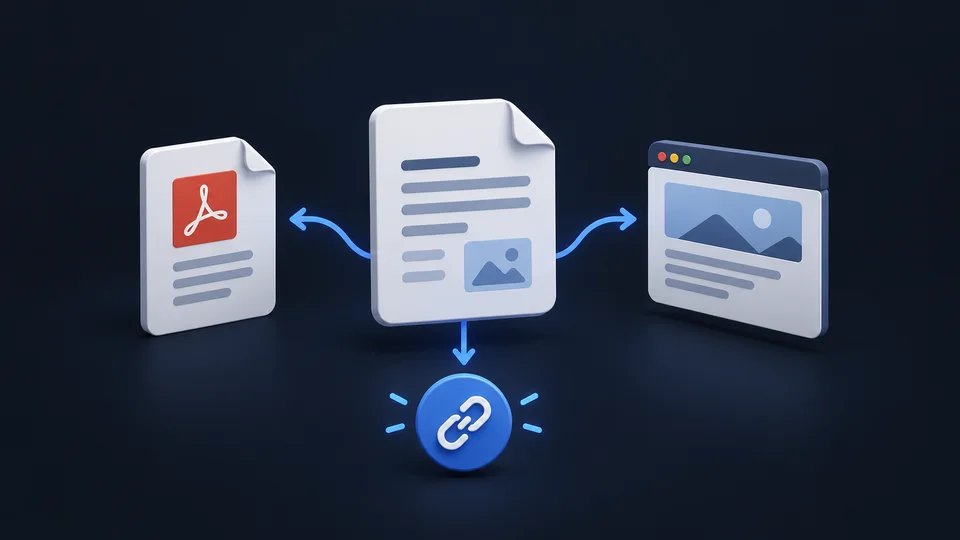
Export and share your documents
Export your Markdown documents as PDF or HTML. You can also publish them on Yeet.md from Balise to get a public link to share.
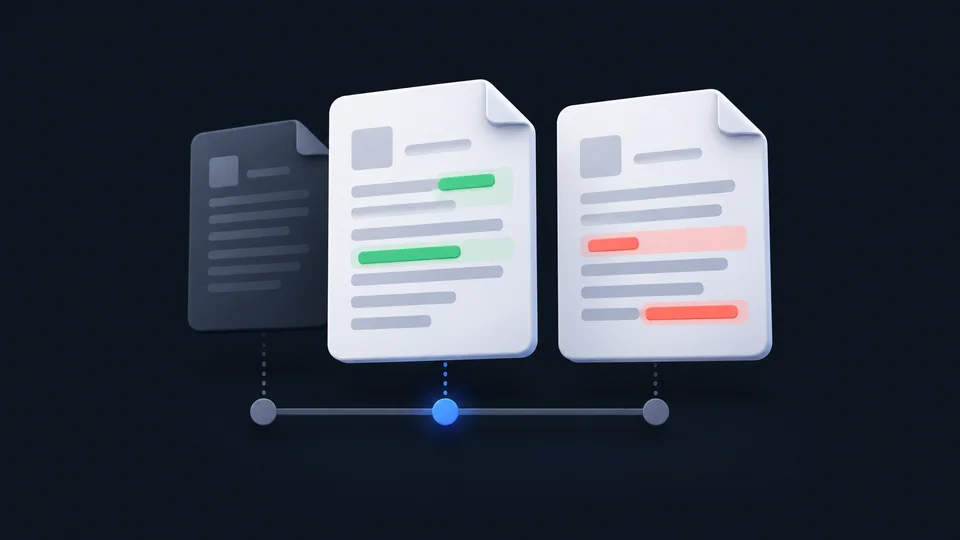
Review versions of your work
Browse local history and compare changes. If another tool modifies the same file, Balise helps you examine the conflict before continuing.

Find the command you need
Open the palette with ⇧⌘P to find a command, file or setting. Keep frequently used locations in your favorites.

Fill in document properties
Edit the title, date or tags in dedicated fields. Balise updates the Markdown metadata without asking you to write YAML.
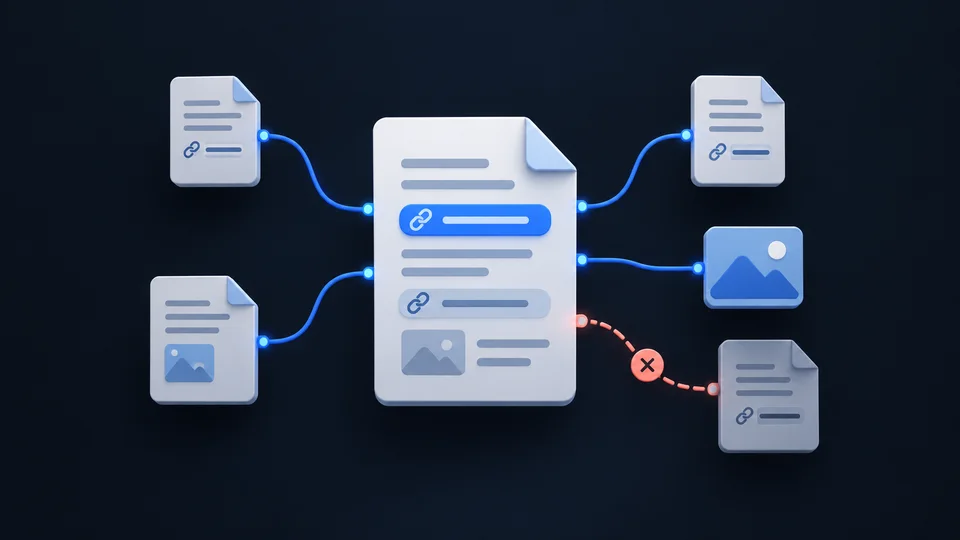
Keep track of your links
See a document’s links and the files that link back to it. Spot missing links and images as you maintain your project’s documentation.